
- 5
- 0
- 0
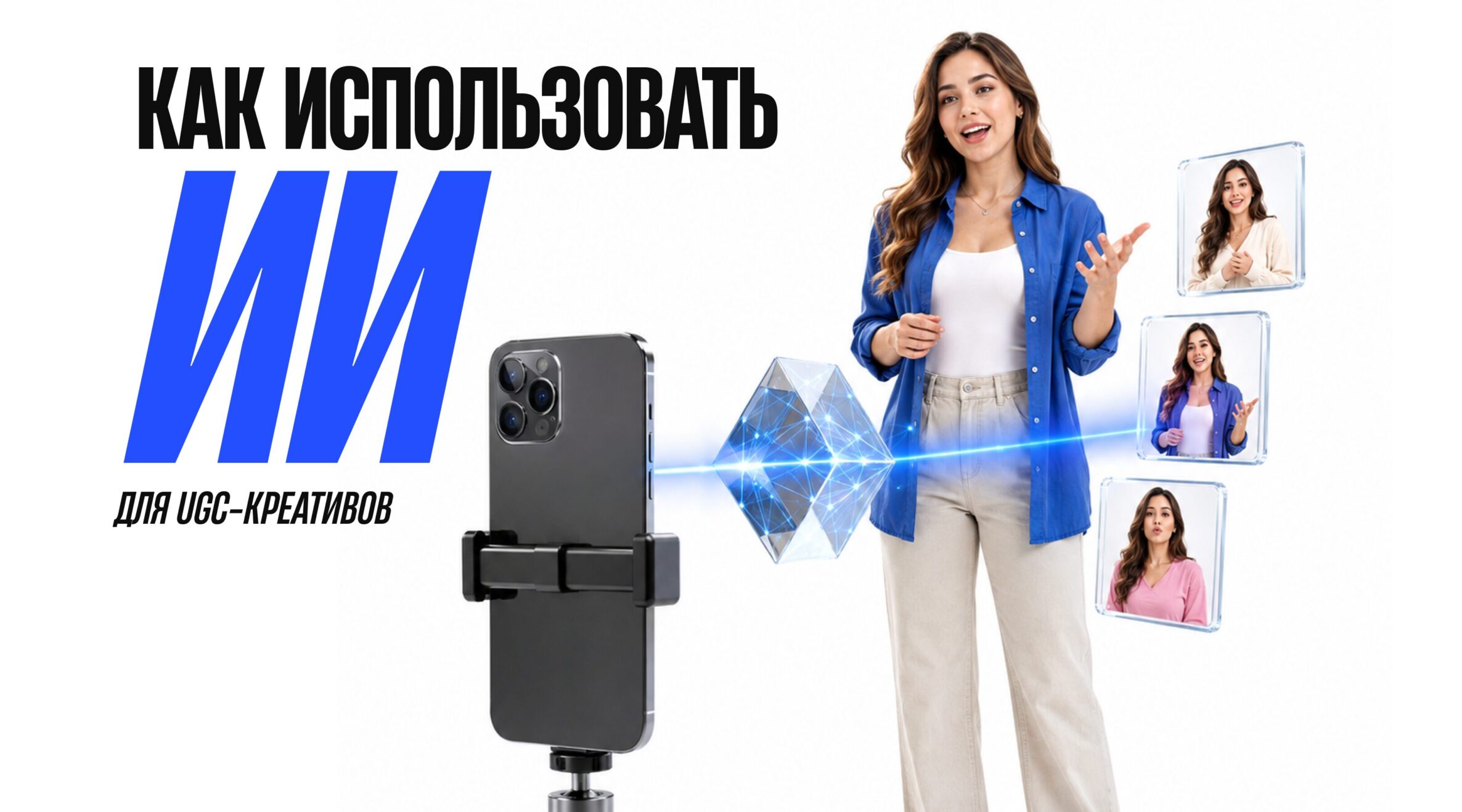
Как создать UGC-креатив с помощью ИИ
UGC — формат контента, который в последнее время заполонил социальные сети. Да-да, сейчас каждый второй — «UGC», как бы это ни звучало.
Конечно же, первая ассоциация, возникающая при упоминании User-generated content, – как ни странно, контент, создаваемый обычным человеком, а не в студии с целой съемочной группой.
Почему этот формат так популярен? Потому что уже давно естественное и непринужденное изображение вызывает гораздо большее доверие пользователей к продукту, чем искусственная и отполированная до идеала картинка. Брендам выгодно платить креаторам за материалы, чтобы потом использовать их то ли просто как единицу контента, то ли для запуска рекламных кампаний и т. д.
UGC = настоящий живой автор, верно? Но даже сюда проник ИИ, и теперь вы можете создавать UGC без того самого «живого автора».
Что ж, в этой статье мы подготовили для вас руководство о том, как ИИ помогает в создании UGC-креативов. Так что читайте ниже и скорее тестируйте! Возможно, именно этого не хватало в ваших кампаниях.
Как сделать AI-UGC-креатив реалистичным?
Мы уже упомянули о том, что основной фишкой UGC является его подлинность и непринужденность. Но очень часто создатели делают AI-UGC-креативы слишком идеальными. Это нормально, ведь во многих внутри сидит перфекционист, который хочет сделать всё безупречно. Но из-за этого вы делаете работу нейросети слишком заметной, что подрывает доверие ещё больше, чем студийная съёмка.
Поэтому вот несколько советов, как достичь идеального «НЕ идеала» (всё-таки помним о золотой середине):
- Съёмка должна выглядеть живой. Добавьте лёгкое дрожание камеры, небольшие изменения фокуса, motion blur и неидеальную композицию кадра. Видео не должно напоминать стерильную студийную съёмку.
- Не забывайте об обычном освещении. Свет из окна, мягкие естественные тени и небольшие перепады яркости сделают сцену гораздо более убедительной, чем идеально выставленное студийное освещение.
- Персонаж должен оставаться узнаваемым в каждой сцене. Следите за тем, чтобы его лицо, прическа, одежда, украшения и другие детали не менялись от кадра к кадру.
- Кожа не должна быть идеально гладкой. Добавьте естественную текстуру, заметные поры, мелкие несовершенства и отдельные волоски. Именно такие детали устраняют характерный «пластиковый» эффект ИИ.
- Движения должны соответствовать реальной физике. Когда человек движется, волосы должны реагировать на движение, ткань — складываться и расправляться, а руки — естественно взаимодействовать с предметами. Особенно это важно во время демонстрации продукта.
- Синхронизация губ должна выглядеть неидеальной, как в реальной жизни. Добавьте естественные паузы, вдохи, небольшие задержки и слова-паразиты. Ведь человек не говорит непрерывно и механически.
- Ориентируйтесь на UGC-формат. Легкий шум камеры, небольшая глубина резкости, случайные микродвижения и общая атмосфера «снято на iPhone» помогут видео выглядеть как настоящий пользовательский контент, а не как результат генерации.
Но это лишь работа над визуальной частью креатива. Отдельно стоит поработать над сценарием. Далее смотрите гайд, где мы разберём каждый шаг создания нашего идеального «НЕ идеала».
Этап 1: Создаём реалистичные изображения с помощью GPT Images 2.0
Сначала соберите солидную базу референсов. Откройте Pinterest, Instagram или любую другую соцсеть, где можно встретить UGC-креаторов. Поищите UGC-видео, относящиеся к вашей нише. Для начала подойдут запросы вроде «skincare UGC review» или «gadget unboxing handheld». Сохраните примерно 10 удачных кадров: желательно, чтобы они отражали разные ракурсы, освещение, эмоции автора и положение продукта в руках. Благодаря этому ИИ будет проще понять нужную вам стилистику.
Далее можно перейти к созданию самого персонажа. Если вам нужен максимально конкретный образ, попробуйте AI UGC Bible GPT. Здесь можно заранее прописать практически всё: примерный возраст автора, внешность, причёску, одежду, настроение, тип освещения, локацию и общую атмосферу кадра. Чем подробнее вы опишете промпт, тем меньше будет кринжевых моментов в кадре.
Еще один вариант — использовать инструмент VISION2JSON, который работает с загруженными изображениями и скриншотами. Он преобразует визуальные референсы в структурированные JSON-промпты, которые можно использовать для генерации. Это удобно, когда не хочется вручную описывать каждую деталь (ну или когда уже не хватает фантазии).
Когда референсы и промпт готовы, откройте GPT Images 2.0 в Arcads AI и выберите режим «image». Вставьте промпт, запустите генерацию и просмотрите готовые варианты. Если первая версия не совсем соответствует замыслу, можно не переписывать весь промпт — просто попросите ИИ доработать конкретные детали.
Далее нужно изобразить конкретный продукт в руках модели. Здесь просто берете изображение «создателя» и самого продукта и прописываете что-то вроде: «She is holding this product from image 2 in her hand»
Этап 2: Нужно «оживить изображение» с помощью Seedance 2.0
Модель с продуктом в руках готова — теперь будем создавать видео. Для этого снова перейдите в AI UGC Bible GPT и загрузите туда все необходимые изображения (кстати, предварительно вы можете сгенерировать несколько похожих персонажей с моделью в разных ракурсах для лучшей анимации). Далее добавьте сценарий…
Стоп… а как создать сценарий, если я не очень-то разбираюсь в режиссуре?
На самом деле здесь вам снова поможет ИИ. Просто зайдите в классический чат, набросайте ему важные детали (общая атмосфера, продолжительность видео, персонаж, его внешность, продукт и т. д.), а также пропишите схему «хук — проблема — демонстрация — результат — CTA». Попросите написать подробный промпт для Seedance 2.0 и всё, можете возвращаться к этапу анимации.
Что делаем:
- Заходим в Arcads AI.
- Добавляем изображения модели и продукта.
- Вставляем готовый промпт для Seedance 2.0.
- Выбираем Seedance 2.0.
- Устанавливаем формат 9:16, продолжительность 15 секунд и стиль UGC.
- Нажимаем «Generate» и ждем результата.
Примеры промптов
Промпт 1:
@image1 + @image2
[0–3s]
The woman from @image1 holds the hair-growth product from @image2 exactly as shown in the reference image, with her fingers naturally wrapped around the bottle. She looks directly into the front-facing iPhone camera with a relaxed half-smile and soft, conversational eye contact. The shot feels spontaneous and creator-made rather than staged. Add subtle handheld micro-movements and gentle autofocus breathing.Warm natural daylight enters from camera-right through a nearby window, creating slightly uneven, realistic shadows across her face and hair. Keep the environment authentic and lived-in: a real kitchen background with visible wooden cabinets, a dish rack, everyday skincare and personal-care items near the sink. Preserve realistic skin pores, fine facial texture, individual flyaway hairs and the natural texture of her cotton T-shirt.
Dialogue:
“Heyy… okay, so my hair’s been feeling so thin and weak lately, like nothing was really helping, you know?”[3–8s]
Make a quick, natural cut while maintaining the exact appearance of the woman and product. The woman from @image1 brings the product from @image2 into a natural demonstration, applying a small amount of the hair-growth treatment to her scalp or hair roots with her fingertips. Her movements should be gentle and believable, as if she is casually showing her audience how she actually uses the product.The camera makes a subtle handheld drift that naturally follows her hand movement. Hair strands should respond realistically to her touch, with natural separation, movement and texture. Preserve realistic scalp and hair detail without making the hair look overly glossy or artificially perfect. The background remains slightly messy, authentic and softly out of focus.
Dialogue:
“But I started using this hair-growth treatment, and honestly? I’m kind of obsessed. It feels so lightweight, doesn’t leave my hair greasy, and it’s actually become part of my routine.”[8–13s]
Cut back to the original selfie framing. The woman from @image1 gently runs her fingers through her hair and brings a section closer to the camera to show its natural texture and appearance. She leans slightly toward the lens with a candid, pleasantly surprised expression.Include subtle natural blinking, small facial movements and realistic jaw motion while speaking. Her hair should move naturally across her shoulders as she moves. Maintain the same one-sided window lighting with realistic variations in brightness and shadow. Avoid polished beauty lighting or an overly perfect commercial appearance.
Dialogue:
“My hair just feels so much healthier and fuller now, and honestly, I didn’t expect to notice a difference this quickly. I’m actually shook.”[13–15s]
The woman from @image1 brings @image2 close toward the iPhone camera lens until the product occupies most of the frame, while her face remains softly visible in the background. She gives a quiet, natural laugh and maintains a casual creator-style expression.The close-up should have subtle edge distortion characteristic of a smartphone front-facing camera. The moment should feel spontaneous and authentic, as if she is finishing a real UGC recommendation rather than delivering a polished advertisement.
Dialogue:
“If you’re struggling with weak or thinning hair… honestly, give this a try. Link in bio, trust me.”Character and product consistency: Maintain the woman’s exact facial identity, hairstyle, hair color, skin tone, body proportions, clothing and accessories from @image1 throughout every shot. No identity drift, facial deformation, hairstyle changes or unwanted alterations between scenes.
Maintain the exact packaging, shape, proportions, colors, label design and visual details of the product shown in @image2. Do not redesign, distort, replace or alter the product.
All movements must follow realistic human physics. Avoid bent or distorted fingers, duplicated limbs, unnatural hand positions, warped facial features or floating objects. Keep the face stable and recognizable throughout the entire video.
Visual style and camera behavior: Authentic handheld iPhone UGC aesthetic. Subtle micro-shake, natural camera drift, realistic autofocus breathing and slight smartphone-lens characteristics. Movement should remain smooth and controlled without excessive jitter.
Use natural window daylight rather than studio lighting. Preserve realistic skin texture, individual hair strands, subtle imperfections and authentic fabric detail. Avoid plastic-looking skin, excessive retouching, artificial beauty lighting or an overly cinematic commercial aesthetic.
Quality requirements: 4K, Ultra HD, highly detailed image, sharp natural textures, realistic skin and hair detail, accurate product rendering, natural colors, balanced exposure, realistic smartphone camera texture.
No motion ghosting, flickering, frame interpolation artifacts, excessive blur, warped anatomy, unstable facial features, product deformation or visual inconsistencies.
Audio and composition
No background music.
No ambient noise.
No text overlays.
No subtitles.
No captions.
No additional graphics.The final result should feel like a genuine UGC recommendation recorded casually on an iPhone by a real creator, while maintaining professional visual quality and strict consistency of the character and product.
Промпт 2:
@image1
A young woman creator records herself with one hand using a front-facing iPhone camera while holding the hair-growth product naturally in the other hand. Before each location change, she briefly reaches toward and touches the camera lens with her free hand, creating a seamless physical transition between scenes.
[0–4s] Bedroom — casual UGC introduction
The woman from @image1 stands in a realistic bedroom, wearing an oversized grey hoodie with her hair styled in a slightly messy bun. A rumpled bed and a few casually scattered clothes are visible in the background. Natural daylight enters through a nearby window from camera-left.She holds the hair-growth product naturally while speaking directly to the camera. Her skin retains visible pores and subtle imperfections, while individual flyaway hairs and the texture of the hoodie remain clearly visible. The framing is slightly imperfect, with gentle handheld movement and natural smartphone-camera drift. She finishes the first scene by reaching toward the lens and briefly covering it with her hand.
[Cut — lens transition]
As her hand touches the camera lens, transition seamlessly into the next environment. The movement must feel physically connected, as if the same hand movement naturally causes the location change.[4–7s] TV newsroom
The exact same woman instantly appears as a TV news anchor inside a modern newsroom. She now wears a fitted navy blazer with subtle natural makeup. Several newsroom monitors glow softly in the background.She maintains the same facial identity, hairstyle and overall appearance from @image1 while presenting the hair-growth product naturally toward the camera. Lighting changes realistically to match a professional newsroom environment while preserving authentic skin texture.
She briefly reaches toward the camera and touches the lens again.
[Cut — lens transition]
The lens-touch creates another seamless location change with no visible jump, morphing or distortion.[7–10s] Medical clinic
The same woman now appears as a doctor walking through a busy clinic hallway. She wears blue medical scrubs with a visible ID badge. Medical carts and everyday clinic activity remain slightly out of focus in the background. Use realistic mixed fluorescent lighting.She casually holds the hair-growth product while speaking to the camera, maintaining natural eye contact and believable body movement. Hair strands, clothing and hands react naturally as she moves.
She reaches toward the lens and touches it once more.
[Cut — lens transition]
The hand physically covers the lens and immediately reveals the final setting without breaking continuity.[10–15s] Podcast studio
The woman from @image1 is now sitting casually on a couch inside a realistic podcast studio. She wears a black oversized sweatshirt with headphones resting naturally around her neck. A microphone arm and slightly messy coffee table are visible behind her. Warm practical lamp lighting creates a cozy, authentic environment.She holds the hair-growth product naturally and addresses the camera with relaxed creator energy. Her expression should feel spontaneous rather than rehearsed. Include subtle blinking, natural facial movements and realistic hair flyaways.
Dialogue:
“I’m not even a real person. Anyone can make me. And this is actually so simple. You can imagine me doing anything. I can be a TV news anchor… or I can be a doctor… or I can host a podcast in a studio sitting on a couch. And honestly, I could even show you exactly how I use this for my hair.”Character and product consistency: Maintain the exact facial identity and appearance from @image1 throughout every scene. Preserve the same face structure, eyes, nose, lips, skin tone, hair color and recognizable features. No identity drift, facial morphing or deformation.
Keep the hair-growth product visually identical whenever it appears. Preserve its exact packaging, shape, proportions, colors, label and branding. Do not redesign or distort the product.
All hands, fingers, arms and body proportions must remain anatomically correct. No duplicated fingers, bent limbs, warped hands or unnatural poses.
Transition requirements: Every camera-lens touch must be physically connected to the following scene. The hand should move naturally toward the lens, briefly cover the frame, and reveal the new location immediately afterward.
Transitions should feel like a deliberate UGC creator trick rather than an AI morph. No random object changes, facial distortion, flickering or unexplained camera movement during transitions.
Visual style: Authentic handheld iPhone selfie aesthetic throughout the entire video. Subtle camera drift, natural micro-movements, realistic smartphone perspective and slightly imperfect framing.
Preserve visible skin pores, natural hair flyaways, realistic fabric textures and small imperfections. Avoid excessive beauty retouching, plastic skin, artificial hair or a polished commercial appearance.
Each location should have its own believable lighting:
- Bedroom — soft natural window daylight.
- Newsroom — realistic cool newsroom lighting.
- Clinic — mixed fluorescent medical lighting.
- Podcast studio — warm practical lamp lighting.
Despite the location changes, the character must remain immediately recognizable.
Technical quality
Vertical 9:16 composition.
4K Ultra HD.
High-detail textures.
Sharp but natural image quality.
Realistic skin and hair rendering.
Natural colors.
Smooth, physically believable movement.Avoid excessive jitter, motion ghosting, flickering, frame instability, facial warping, unnatural anatomy, product deformation or inconsistent character details.
No background music.
No ambient noise.
No text overlays.
No subtitles.
No additional graphics.
Этап 3: Дорабатываем видео в CapCut
Когда видео уже сгенерировано, экспортируем его из Arcads AI в CapCut для финального монтажа (или используйте любое другое удобное для вас приложение).
Важно: забудьте о «эффектной панике». Пусть монтаж будет простым, аккуратным и без лишних деталей. Можно добавить лёгкий эффект ручной съёмки, деликатную зернистость и тёплую цветовую обработку в стиле съёмки на iPhone и т. д. При необходимости накладываем актуальный звук, субтитры и другие детали (но не много!!!).
После этого видео можно и людям показать.
Подводя итог
Вот так user-generated content становится уже и не очень «user-generated». Но тем не менее хорошо, что сейчас ИИ может создавать контент в таком стиле. Если ты медиабайер, работающий, например, с нутрой, у тебя далеко не всегда есть возможность заказать видео под нужный офер или, тем более, создать его самостоятельно. Это и время на поиски креатора, и, конечно же, немалые деньги (ведь кто же будет делать все это бесплатно).
А с этим подходом вы можете сгенерировать нужное видео за один вечер и в результате получить заметно лучшую конверсию.
Так что, друзья, тестируйте, публикуйте и про AFFHUB не забывайте. До встречи!

- 5
- 0
- 0
- По рейтингу
- По порядку


